What’s in the pack
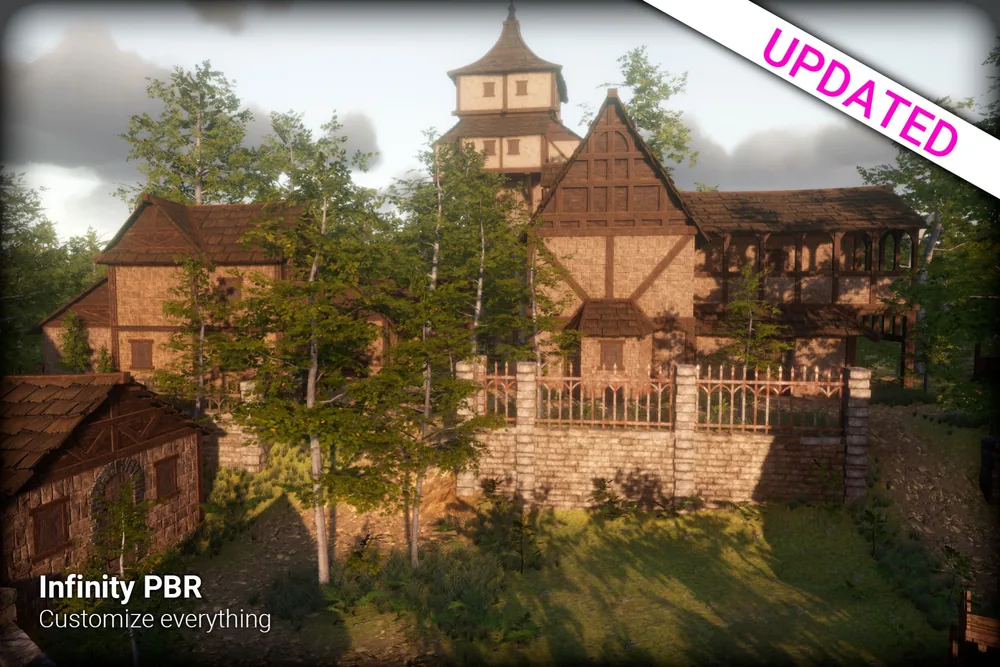
Medieval Town Environment is a kit for building a fantasy town or village in Unity, whether you’re making an RPG or a first-person game. It has well over 100 prefabs, along with many pre-built and modular buildings. The buildings have interiors as well as exteriors, so your players can go inside, and they come with multiple door and window options. A large set of props and extra prefabs fills in the rest.
Later updates added facades: models and prefabs for building denser towns and environments. A second demo scene shows a town built with them. The pack also comes with many LODs.
Some prefabs include ready-made ivy looks from Real Ivy 2, a separate asset. The ivy fills in only if you install that pack.
Make it your own
Mix pre-built buildings with modular ones, change up the doors and windows, and use the facades to fit more buildings into your streets.
To change the look of the town, use the Substance Painter source files. They come in five bonus files: separate Asset Store packages that you can get for free once you own the pack. Edit the textures we made or create new ones, then export maps for the Built-in Render Pipeline, URP or HDRP.
Getting started
The Unity 6.0 version ships with Built-in materials, and you can upgrade the Standard shader materials to URP or HDRP in the Editor. The Unity 6.3 version ships in URP.
The demo scenes are in a separate Demo Scenes package on the Asset Store, linked from the pack’s listing. They use post processing, so install the Post Processing package from the Package Manager before you open them.
Using Unreal Engine or Godot? Our Unreal and Godot guide explains how to bring Asset Store packs like this one into those engines.